Choose your image
Select one JPG or PNG, or try the public sample. Keep your original: ImageTool creates a new file without overwriting it.
Make an image smaller than one decimal megabyte, or keep it unchanged when it already meets every requirement. Check the actual bytes before downloading.
A smaller file starts here
Drop an image, or choose one from your device.
JPG or PNG · up to 40 MB · 32 megapixelsYour image stays with you. Processing happens in this browser. No image is sent to a server.
See exactly what you’re saving. No guessing from a file name.
Reading your image
Change the limits or choose another image, then try again.
KB
Meets the file requirements you entered.The destination website may have other requirements. Check visual quality before uploading.
Single file. No account, no ZIP.
Look in your browser’s downloads. On a phone, you may need to open Files → Downloads or use the browser’s Share / Save option. Exact steps vary by browser.
Select one JPG or PNG, or try the public sample. Keep your original: ImageTool creates a new file without overwriting it.
Check the size limit on your form. Add a minimum, exact width and height, or a different output format only when your destination requires them.
Review the real bytes, pixels and format. Open the full-size preview to check faces, text and signatures, then download the file you want to use.
This tool uses decimal units: 1MB equals 1,000KB or 1,000,000 bytes. The maximum starts at 1000 in KB, with the Under rule selected, so a passing result contains at most 999,999 bytes. If your destination explicitly permits exactly 1,000,000 bytes, you can choose At most.
A MiB is a different unit: 1,048,576 bytes. Do not substitute 1,024KB for a 1MB requirement. If a destination’s wording is unclear, check its stated byte limit. The result panel shows actual bytes so you can compare the file with that rule.
The larger allowance can preserve more detail than a small form-upload limit, but it does not require needless processing. An original that already meets the selected format, size and dimension requirements is kept unchanged. The PNG text and signature examples demonstrate why an under-limit file may need no re-encoding.
Use the 200KB image compressor or 100KB compressor only when the destination requires a smaller file. For a different maximum or a range, enter your own values in the image size reducer in KB.
Compare 50KB compressor and 20KB compressor against the limit your destination requests. Start each comparison from the same original image.
Need exact pixels as well as a KB limit? Read the guide to KB limits and fixed pixel dimensions for measured success and failure cases, then keep only the settings your destination permits.
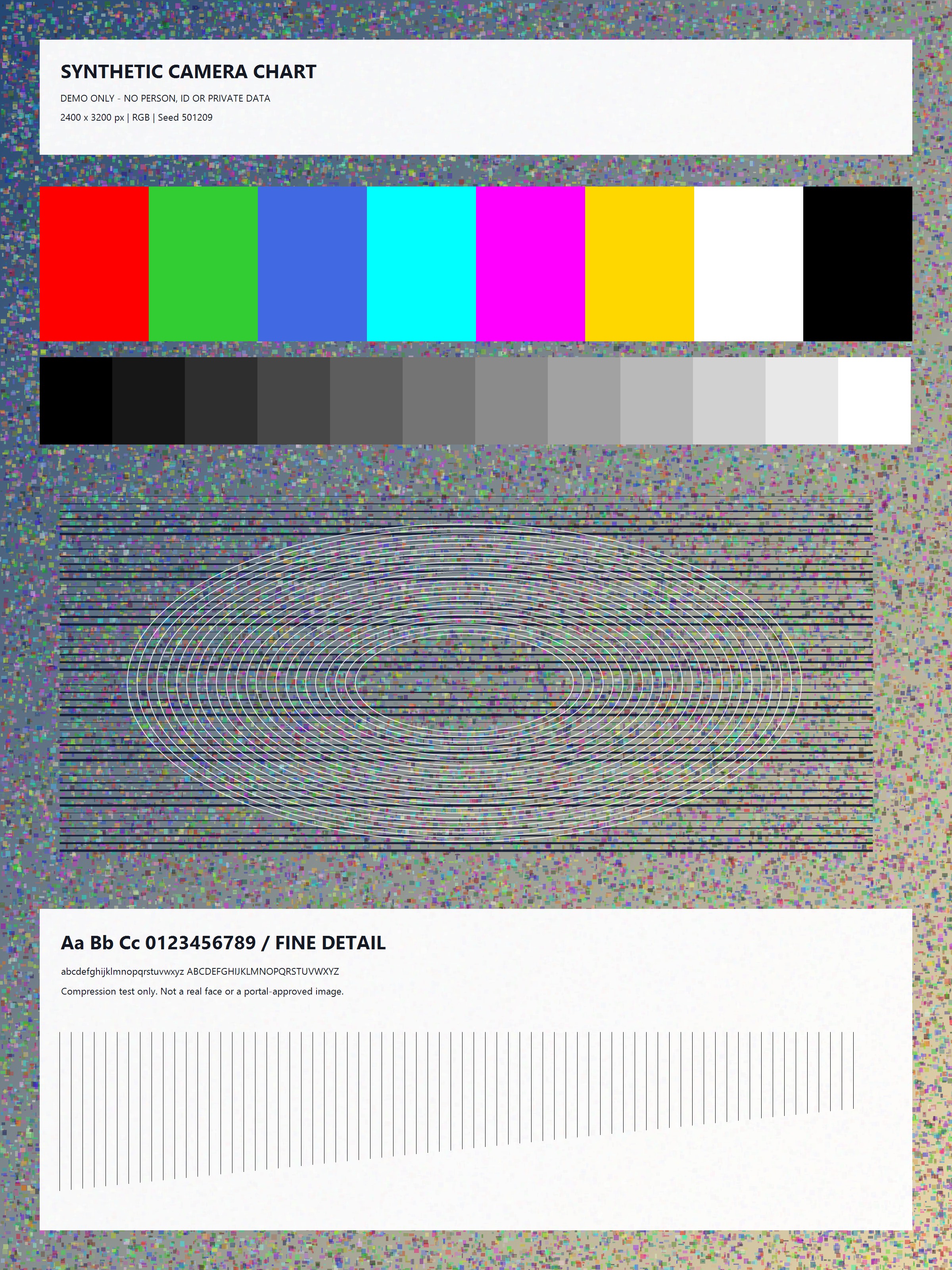
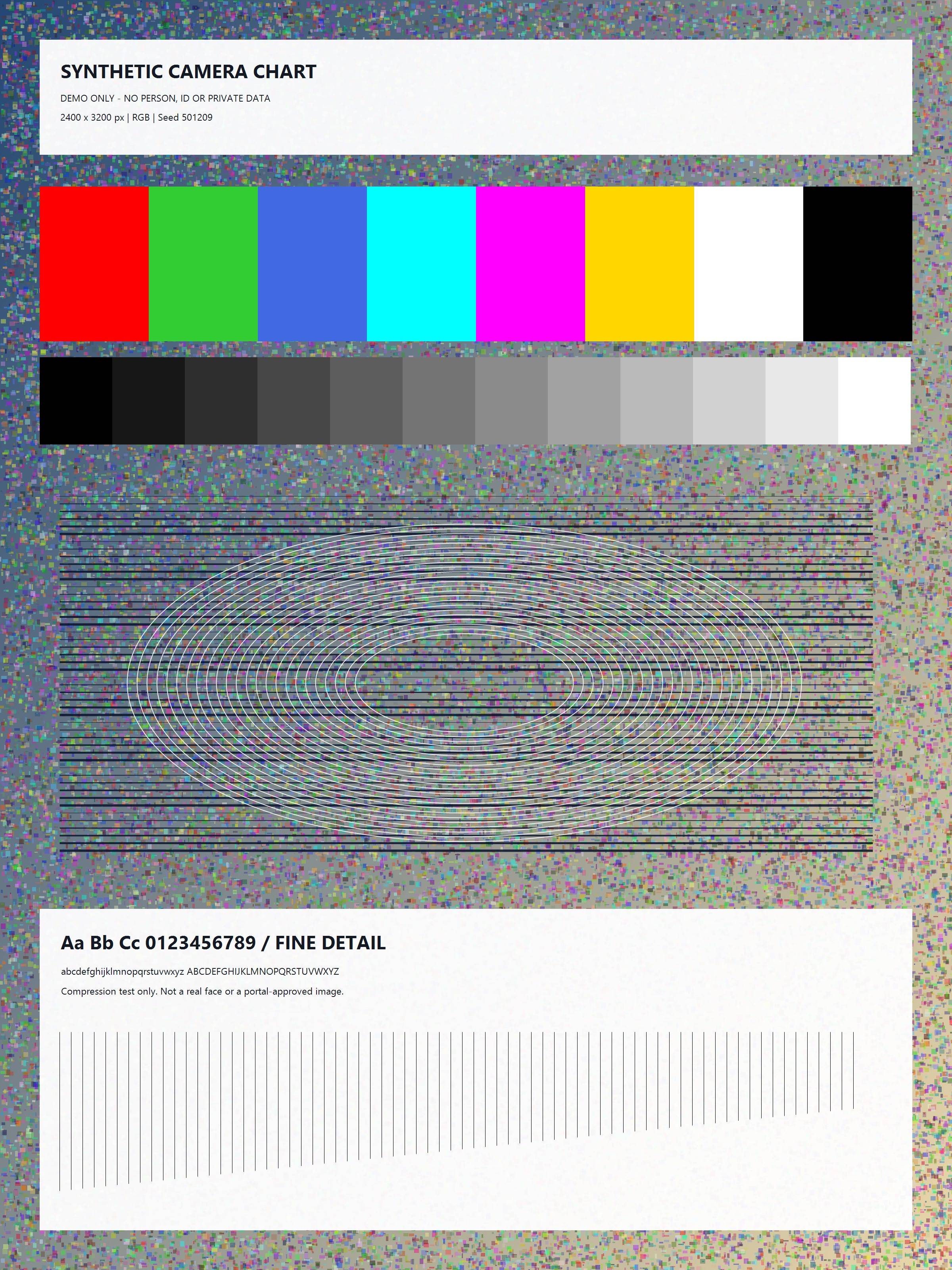
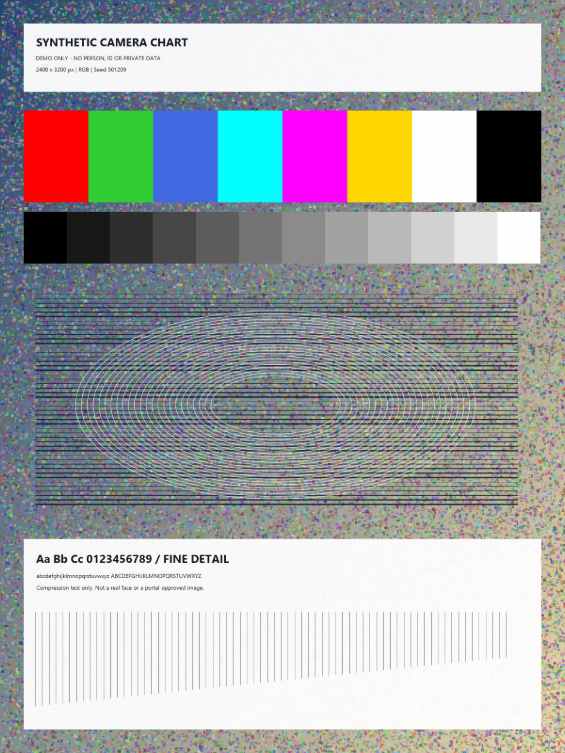
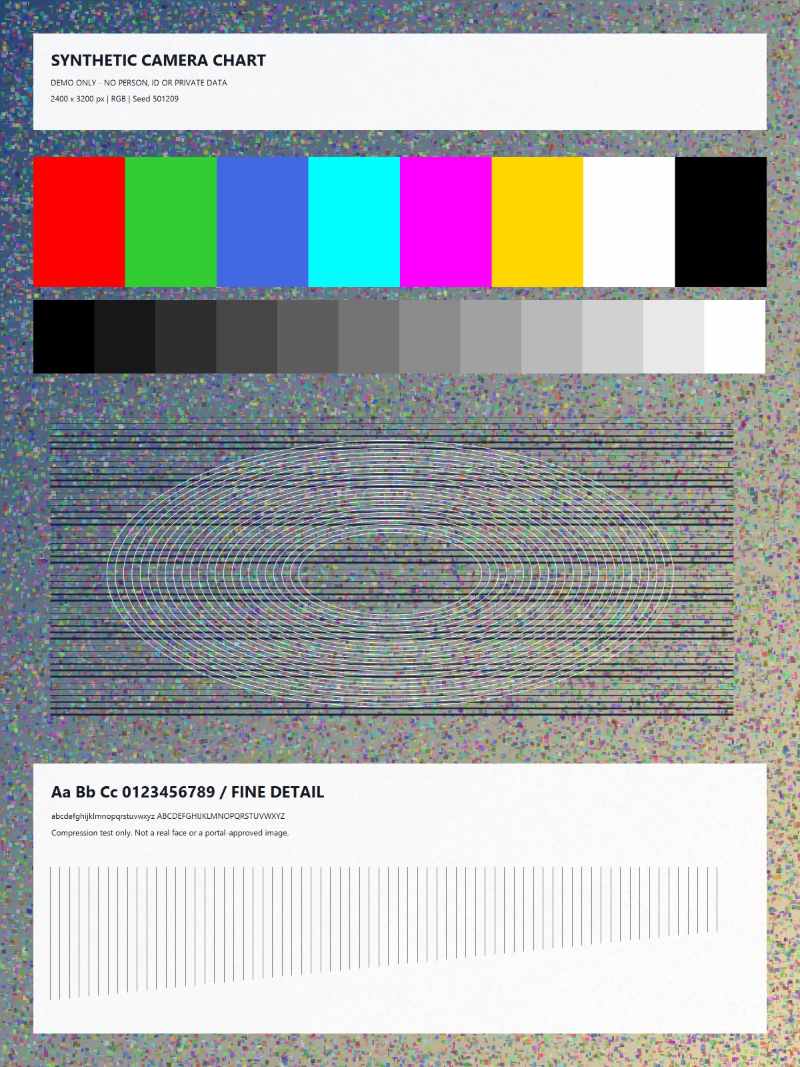
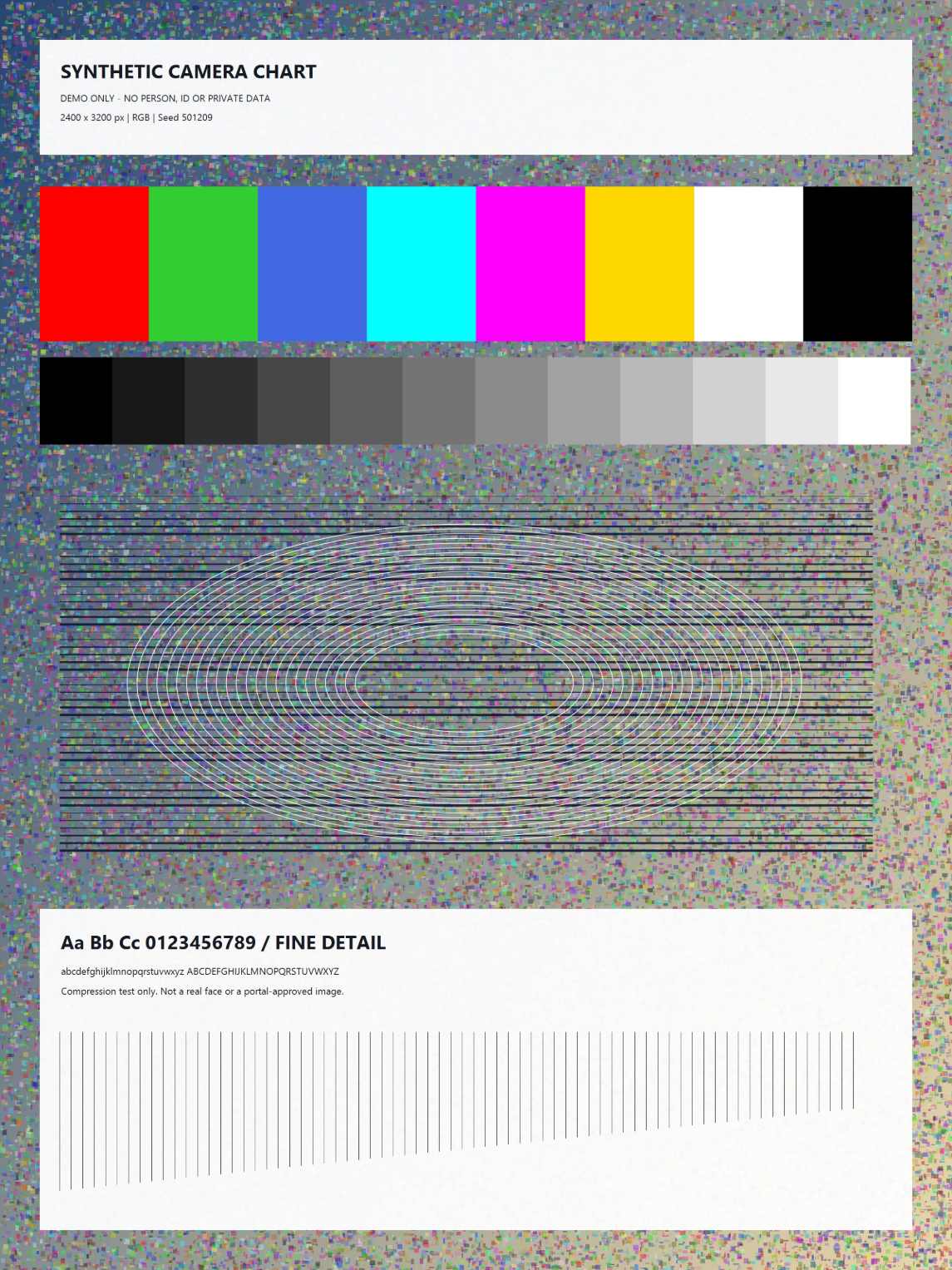
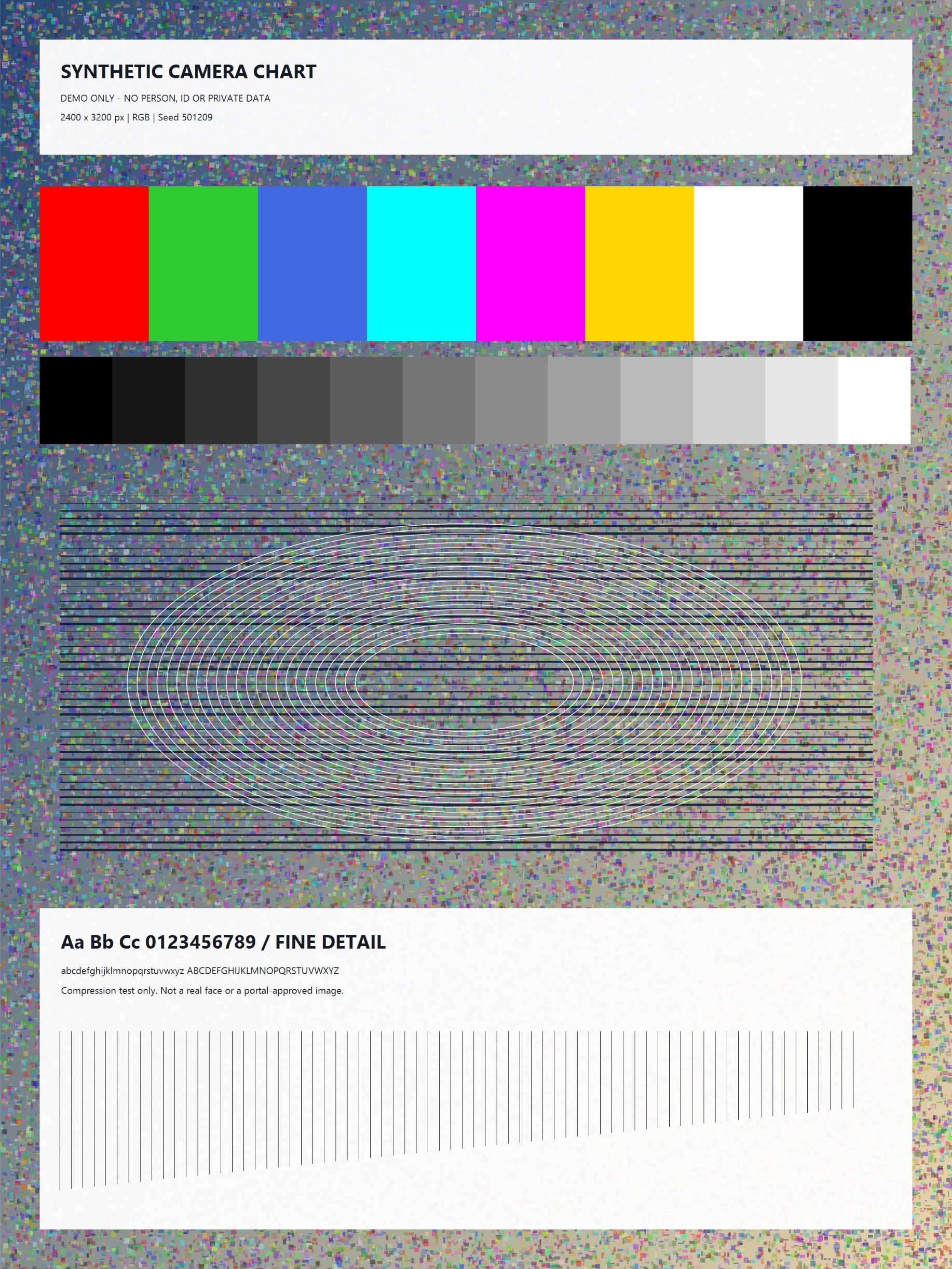
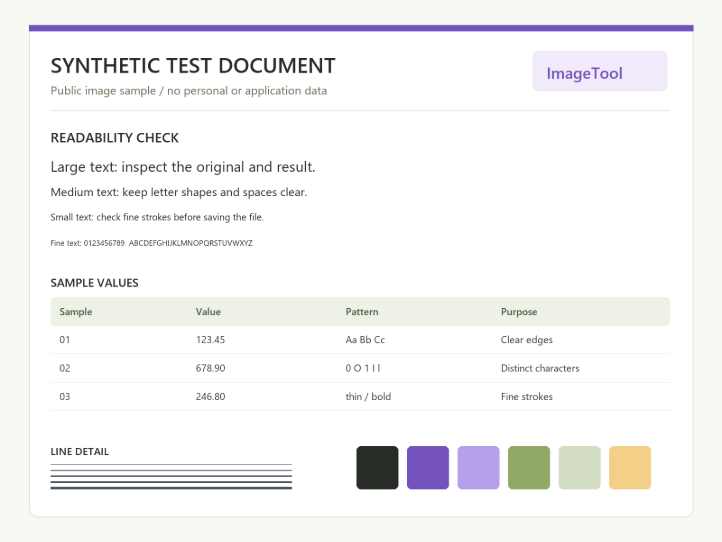
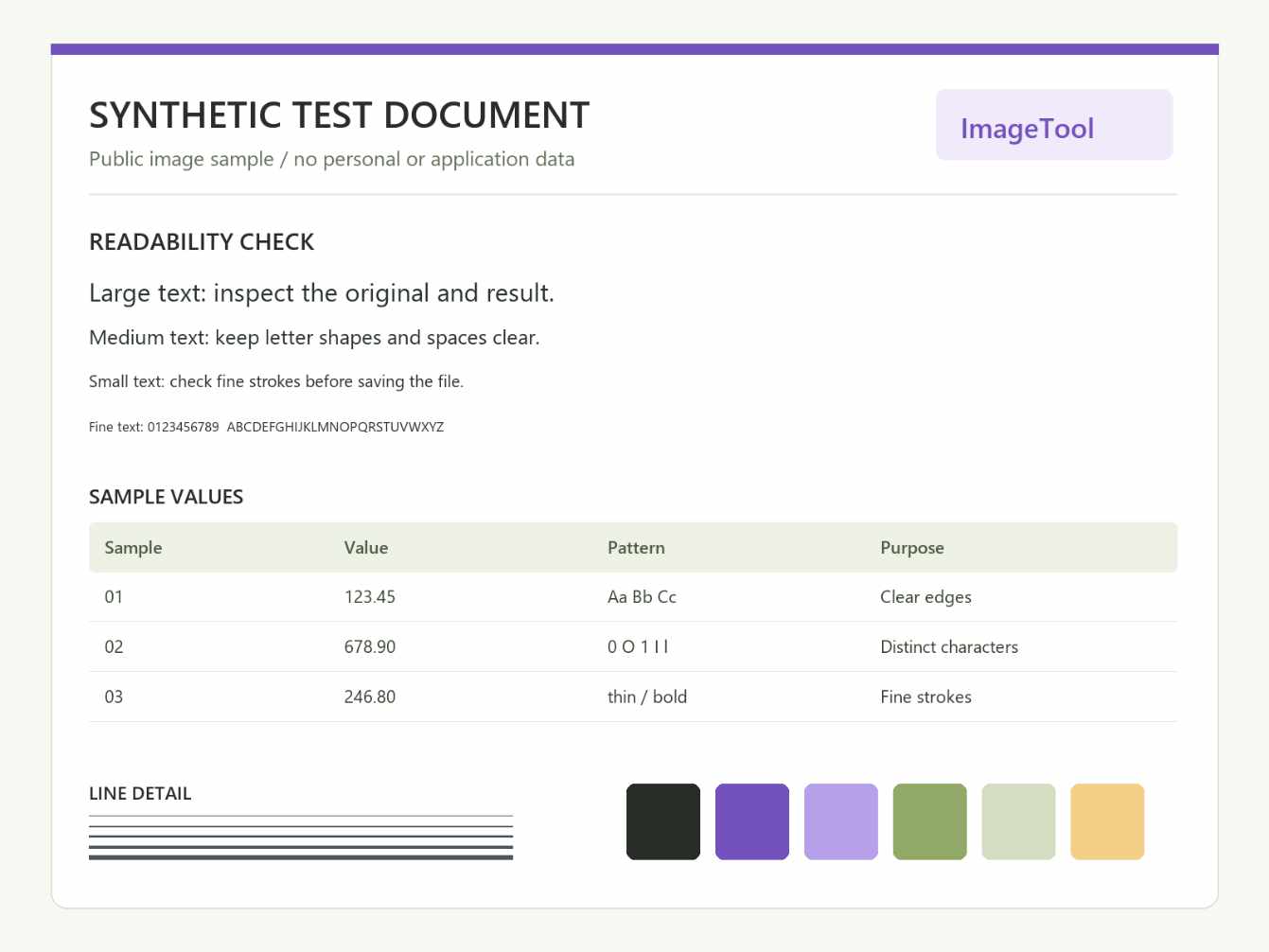
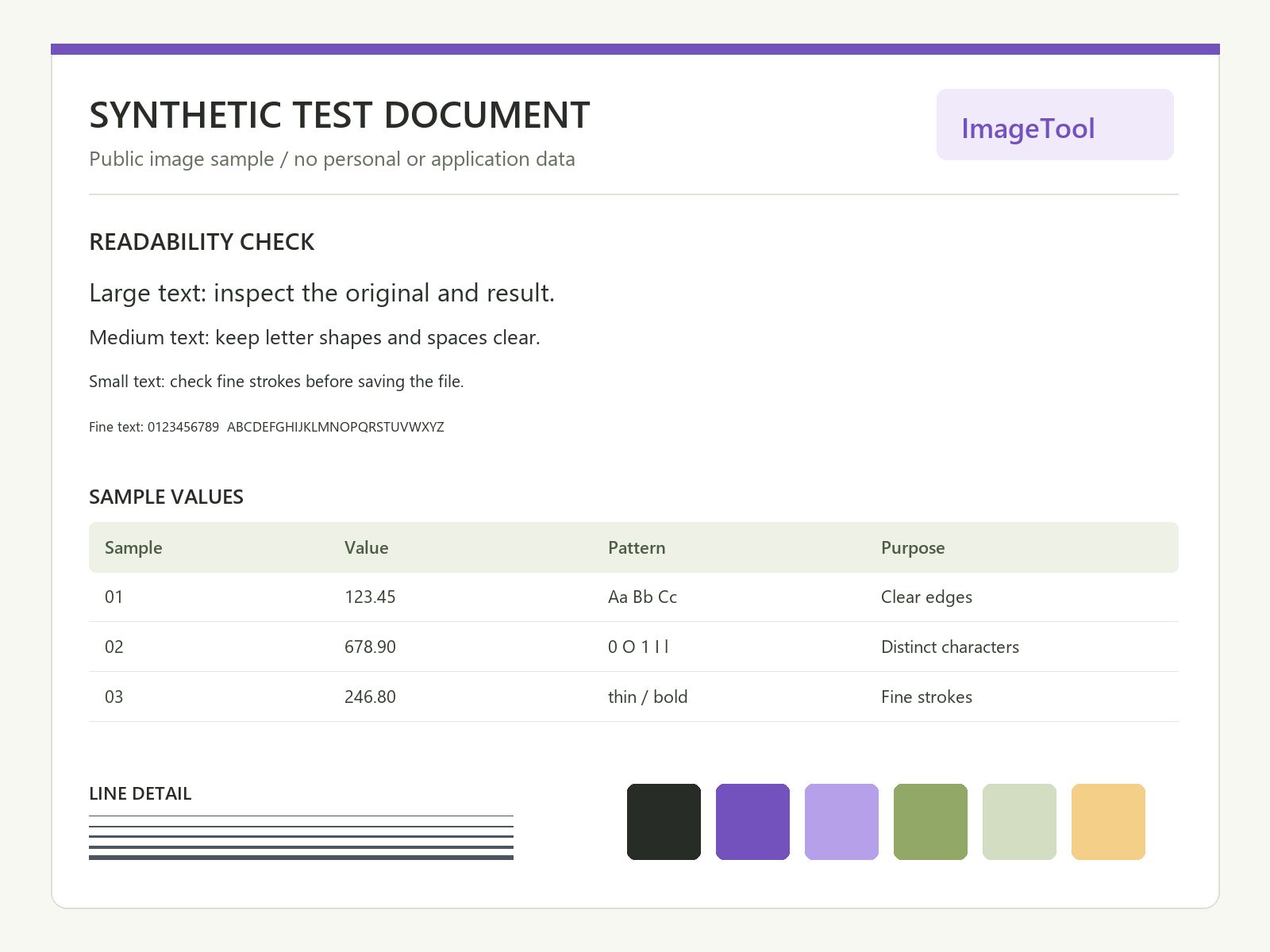
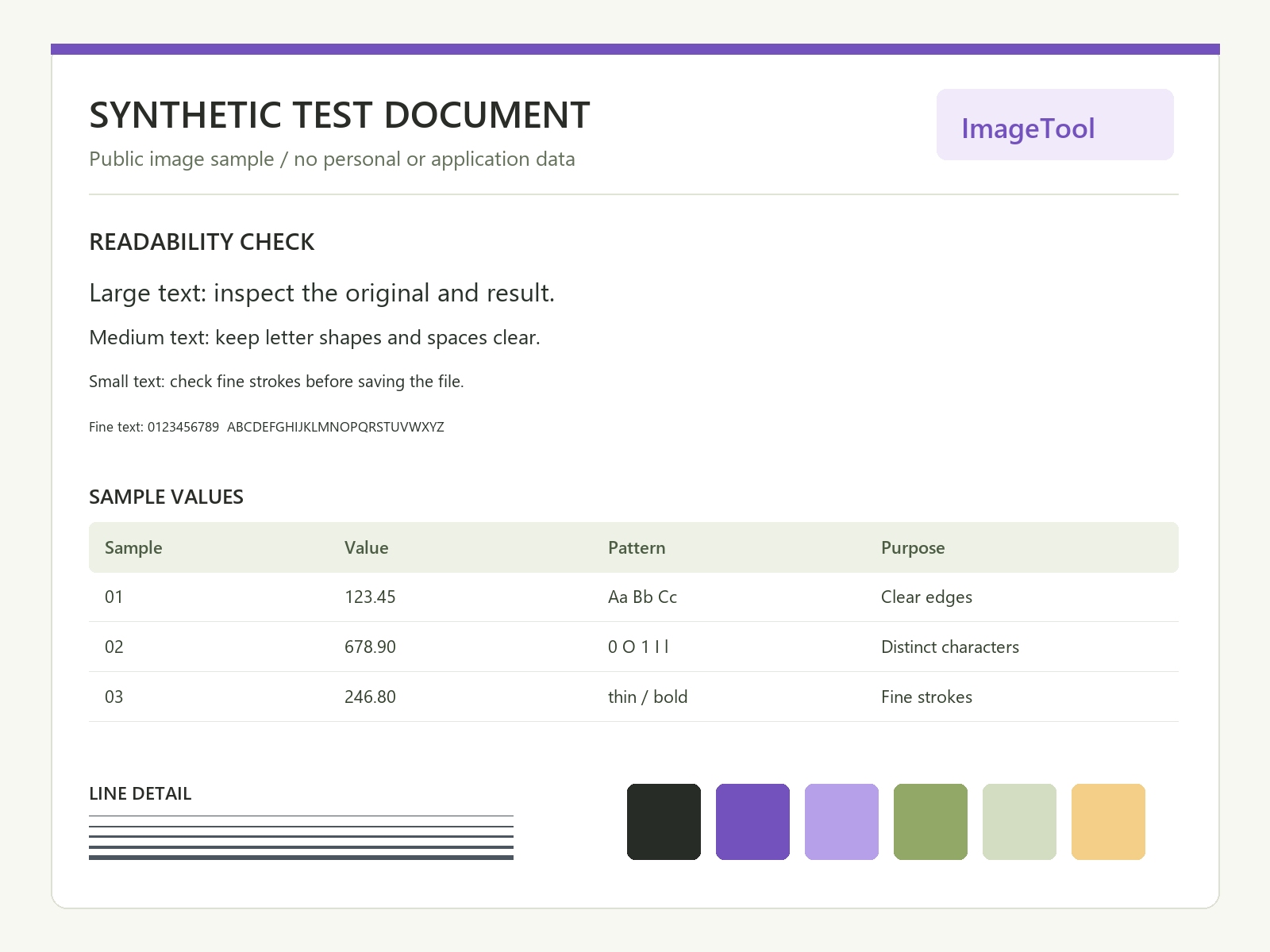
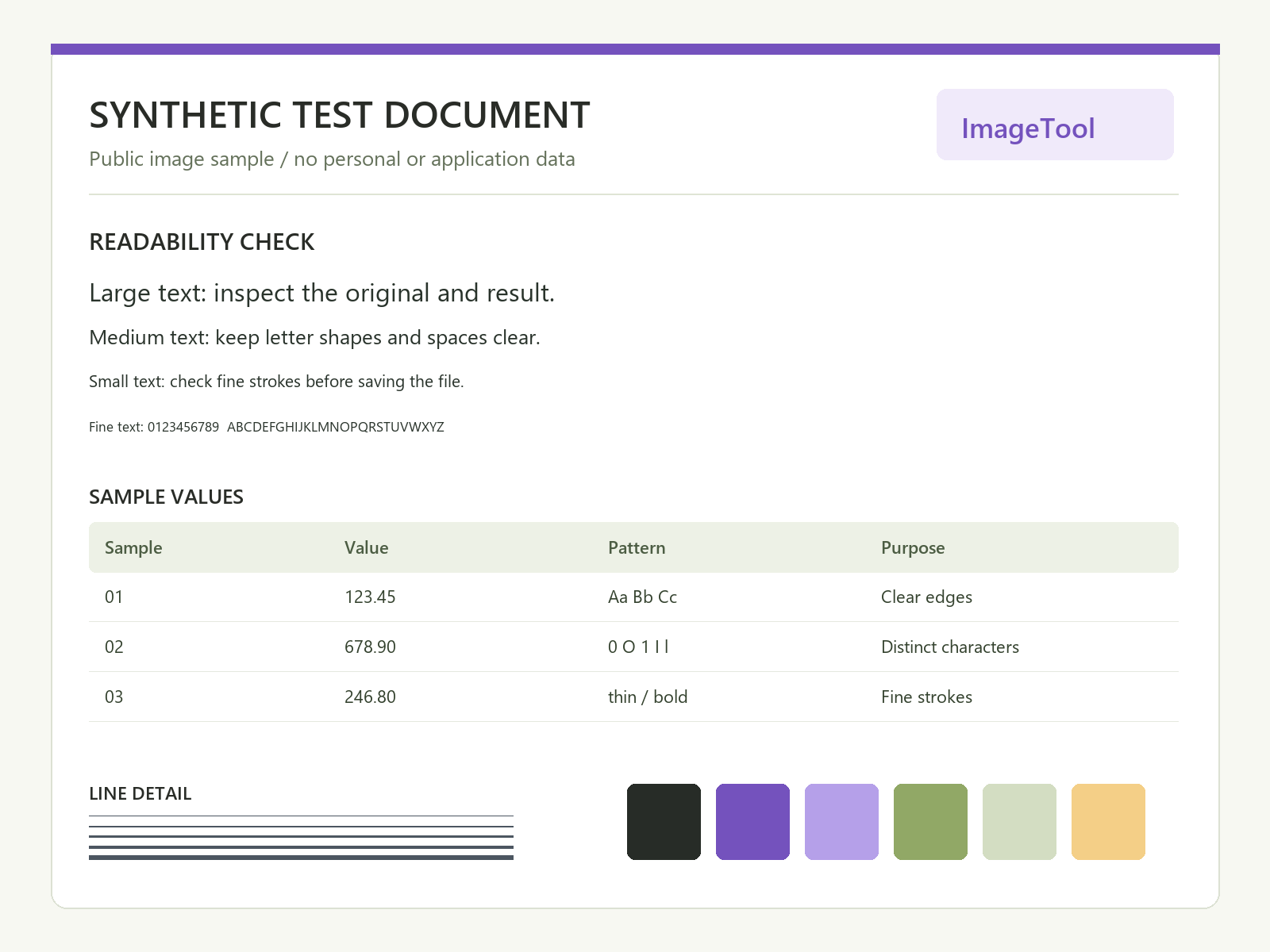
These public, synthetic examples contain no applicant information. Each result below is an actual generated file: open or download it to inspect the detail and compare the byte count. Different browser encoders and your own image can produce different results.
Maximum: under 1000KB · KB = 1,000 bytes · automatic dimensions
Original: 1,905,559 bytes · 2,400 × 3,200 pixels
Result: 995,640 bytes · 2,400 × 3,200 pixels · JPEG
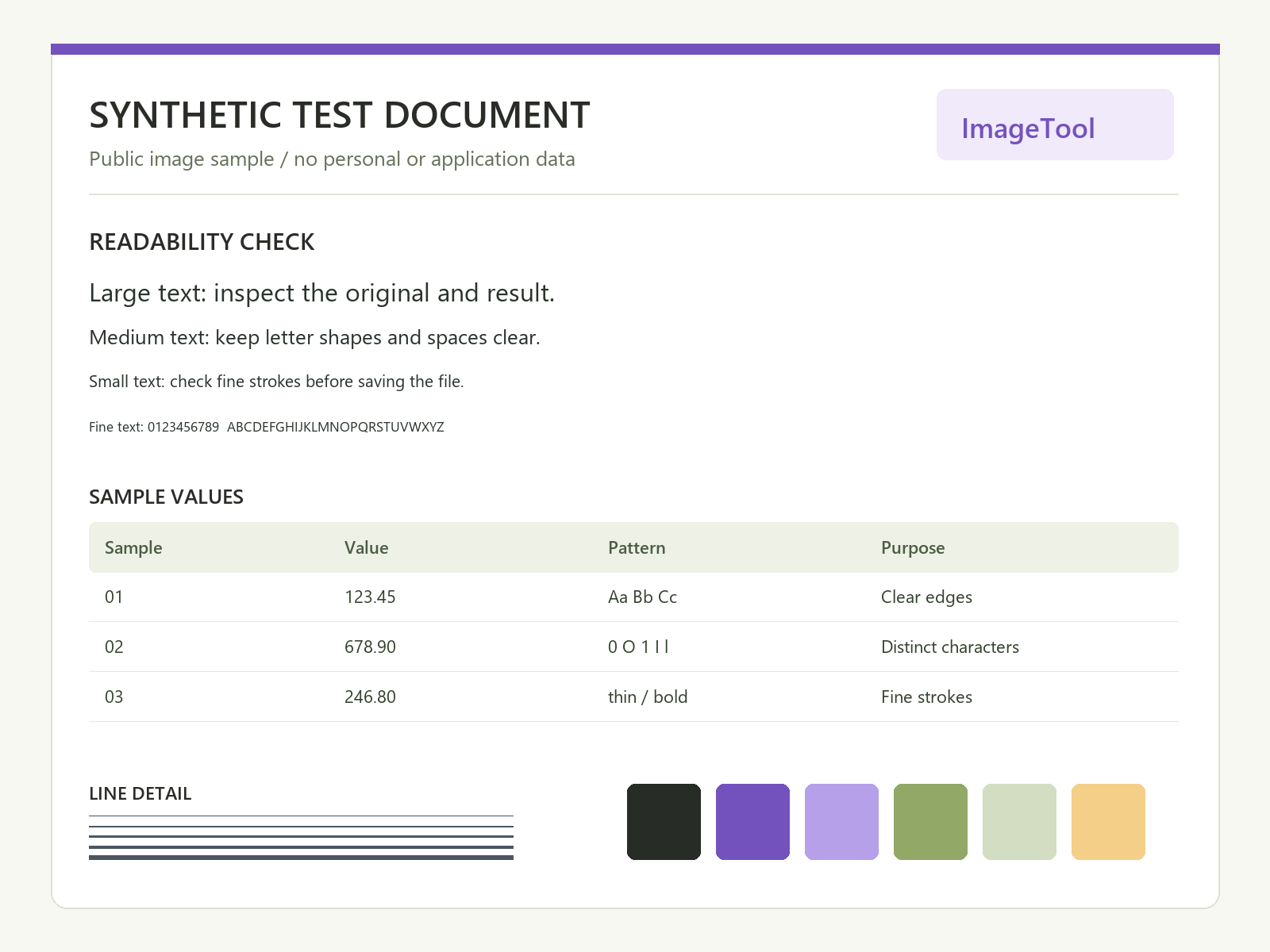
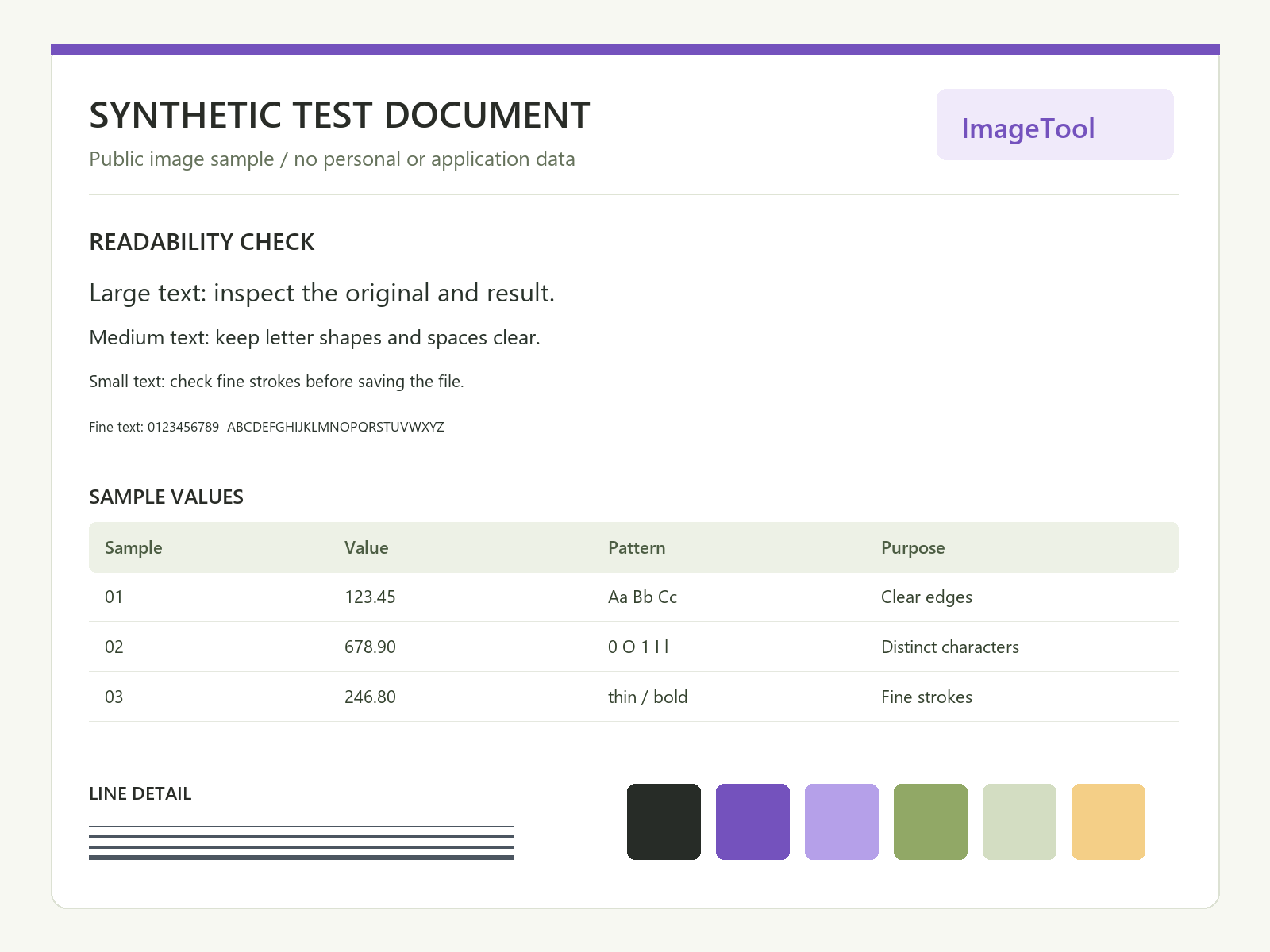
Maximum: under 1000KB · KB = 1,000 bytes · automatic dimensions
Original: 74,718 bytes · 1,600 × 1,200 pixels
Result: 74,718 bytes · 1,600 × 1,200 pixels · PNG
Original file preserved: no re-encoding or pixel changes.
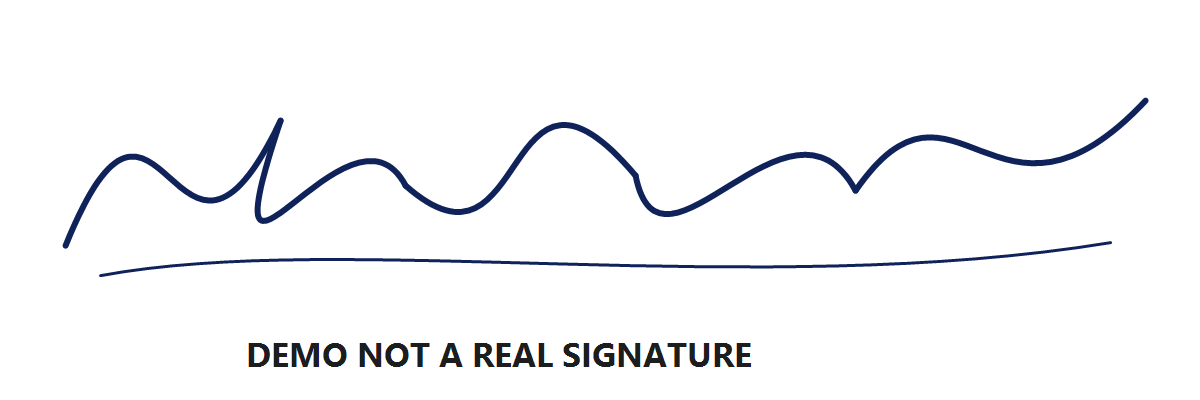
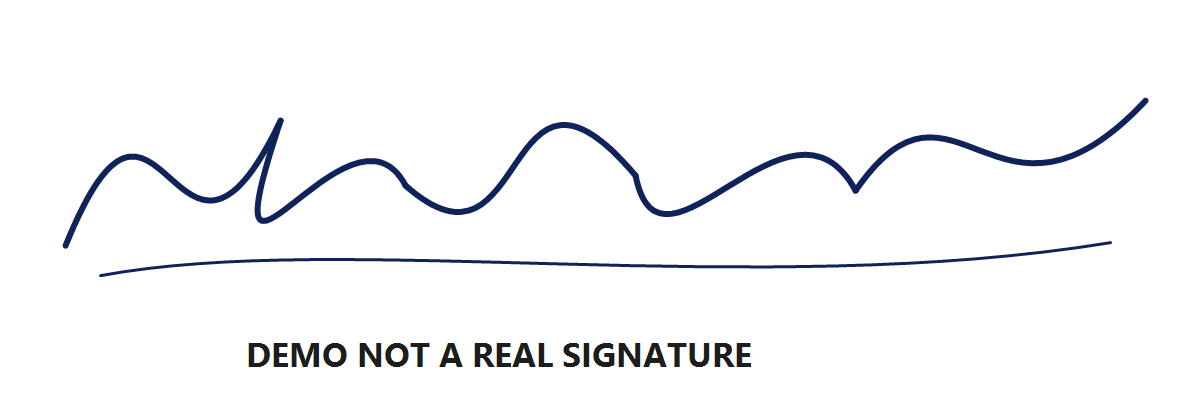
Maximum: under 1000KB · KB = 1,000 bytes · automatic dimensions
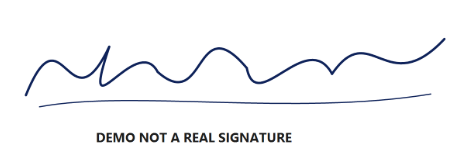
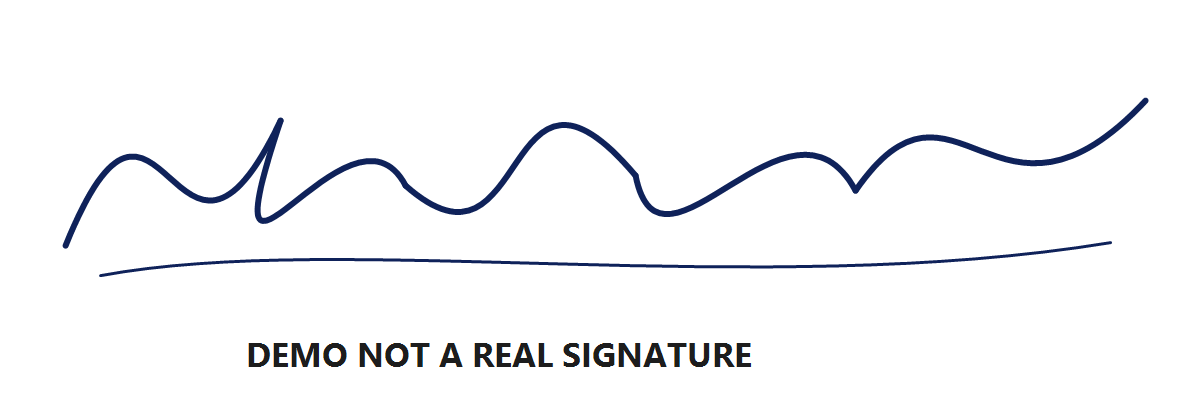
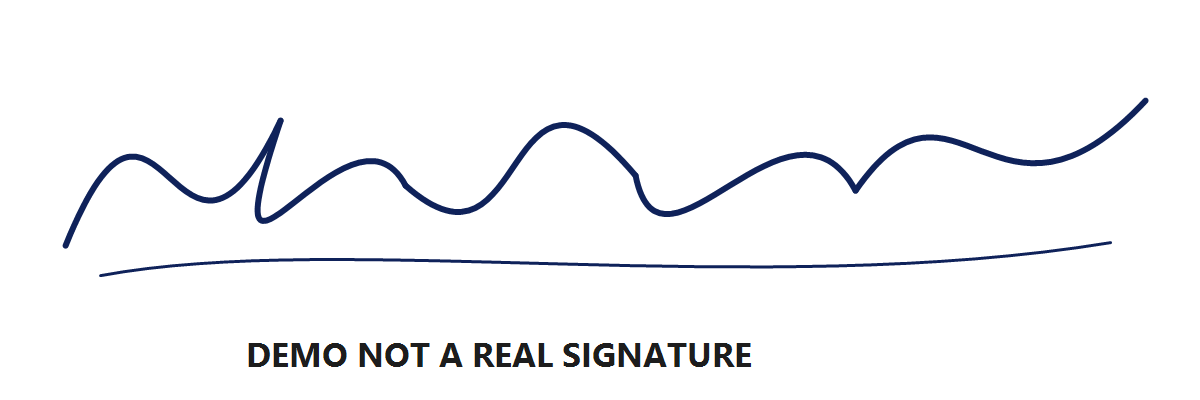
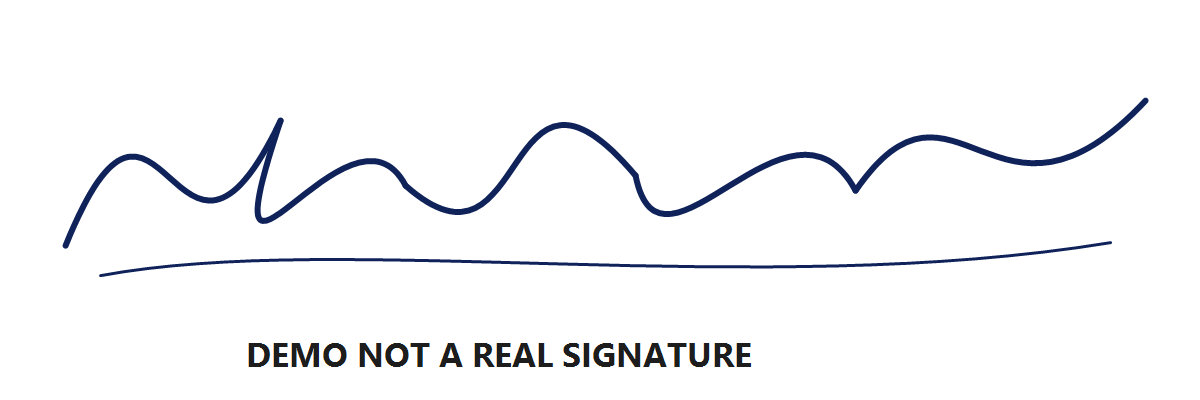
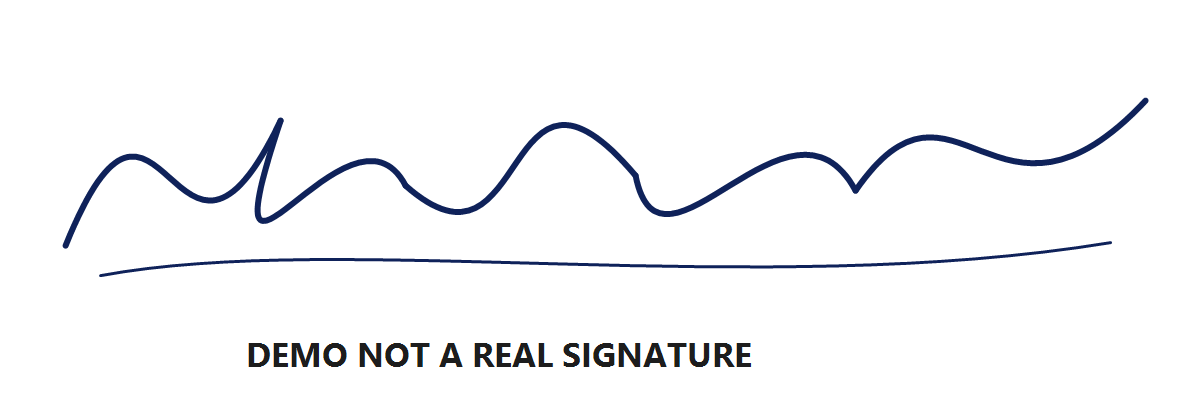
Original: 20,040 bytes · 1,200 × 400 pixels
Result: 20,040 bytes · 1,200 × 400 pixels · PNG
Original file preserved: no re-encoding or pixel changes.
A smaller file is useful only if its important details remain readable. These examples demonstrate the tool, not approval by any application portal.
A high-resolution photograph can still require resizing or JPEG compression to fit under 1MB. Check hair, foliage, texture and edges at full size. A sharp thumbnail can hide visible artifacts when the same image is opened at its actual dimensions.
Compare the original with the output rather than judging quality from the file size alone. Our image compression quality guide shows the same synthetic sources at 50KB, 100KB, 200KB and 1MB with their real byte counts.
The tool preserves the original file when its format, dimensions, orientation and bounds already match. A small PNG is not converted to JPEG merely because JPEG is smaller if PNG is the selected output. Choose the output format before making that comparison.
If you select a different format or exact dimensions, those changes can require a new output even when the source is below 1MB. JPEG re-encoding is lossy; PNG output can preserve transparency but does not make a pixel resize lossless.
Leave width and height automatic if the destination only specifies 1MB. If it also requires exact pixels, enter them. The tool will not quietly change your specified dimensions to make the byte check pass.
An impossible size range or fixed-dimension request returns a failure. Return to the original and revise a constraint only if the destination permits it; repeatedly compressing a previous download can compound detail loss.
Check the rules for your destination
Different organisations can require different limits, dimensions, backgrounds and file formats. Check the current official page for your specific application and year. A general search for a photo compressor cannot tell you all of those rules.
This site is an independent tool. It is not affiliated with an application portal and cannot guarantee acceptance. Use the page in the language you prefer, while keeping the numbers and format from your actual form.
On this site, 1MB equals 1000KB and 1,000,000 bytes. A MiB equals 1,048,576 bytes. The default maximum field therefore contains 1000 with KB selected.
No. The default is strictly below 1,000,000 bytes. An unchanged clear image at 300,000 bytes can meet that maximum. The tool does not add padding to fill unused space.
No reduction is needed when the original already matches the selected format, dimensions, orientation and size bounds. Keeping that file avoids unnecessary re-encoding and preserves its original bytes.
Yes. Re-encoding JPEG can remove detail even at a higher quality setting, and automatic resizing can reduce pixels. Review the full-size output; this tool does not promise lossless compression.
Select PNG output. Transparency is retained, but a larger or complex PNG may need fewer pixels to fit. If fixed dimensions and the byte limit cannot both be met, the tool reports failure.