COMPARE BEFORE YOU DOWNLOAD
Can you compress an image without losing quality?
Not always. If an image already meets every size, pixel and format requirement, ImageTool can keep the original file. JPEG re-encoding or reducing pixels can lose detail; compare the actual results before saving.
An unchanged original is the clearest case
If the original already matches the requested size bounds, dimensions, orientation and format, ImageTool can return its original bytes. There is no re-encoding or pixel change in that case. A tool reporting no reduction may have made the right choice.
Set the actual allowance in the image size reducer in KB, rather than choosing the smallest number available. The 1MB image compressor includes under-limit PNG examples that are kept unchanged. Changing the requested format or dimensions can still require a new file.
JPEG quality and PNG encoding mean different things
JPEG re-encoding is lossy. Even a high encoder quality setting is not a guarantee of unchanged pixels, and a quality value is not a percentage of original detail retained. Fine writing, high-contrast edges and repeated compression can make losses easier to see. Keeping many pixels inside a very small file can produce visible blocks or smudged text; fewer, clearer pixels may be preferable only when your destination permits smaller dimensions.
PNG encoding is lossless for the pixels supplied to the encoder and supports transparency. But PNG is not automatically smaller: complex photographs can be difficult to fit at a low limit. ImageTool may resize a PNG to satisfy a byte limit when dimensions are automatic. That downscaling changes pixels and can remove fine detail, so the overall workflow must not be described as universally lossless.
This release does not include a separate lossless file optimizer. It searches a bounded set of valid outputs and checks their real bytes, dimensions and format. Those checks establish compliance with entered constraints, not that every visual detail survives.
Compare the same originals at four allowances
Open the linked files below at their actual size. Compare texture and edges in the photo, the smallest letters in the text sample and thin strokes or transparency in the signature. Each card shows measured bytes and dimensions for a real generated result.
The figures are synthetic examples, not a prediction for every upload. The 50KB, 100KB and 200KB text samples use JPEG, while the 1MB text example retains the original PNG. The displayed format makes that difference explicit: these compare usable outputs under each allowance, not an experiment in which only the byte limit changes.
If a file is marked Original file preserved, its bytes were compared with the source and are unchanged. There is no invented compression saving. Different browsers can encode other images differently.
Actual files at 50KB, 100KB, 200KB and 1MB
All variants come from the same three synthetic originals. The labels are maximum allowances; the metadata below is each file’s actual result.
| Original file | Strict limit | Result bytes | Result pixels | Format | Original preserved? | Result file |
|---|---|---|---|---|---|---|
| Synthetic photo detail1,905,559 bytes 2,400 × 3,200 pixels | Under 50KB | 49,575 | 565 × 753 | JPEG | No | Download this result |
| Synthetic photo detail1,905,559 bytes 2,400 × 3,200 pixels | Under 100KB | 98,478 | 800 × 1,067 | JPEG | No | Download this result |
| Synthetic photo detail1,905,559 bytes 2,400 × 3,200 pixels | Under 200KB | 199,355 | 1,145 × 1,527 | JPEG | No | Download this result |
| Synthetic photo detail1,905,559 bytes 2,400 × 3,200 pixels | Under 1MB | 995,640 | 2,400 × 3,200 | JPEG | No | Download this result |
| Small text and edges74,718 bytes 1,600 × 1,200 pixels | Under 50KB | 49,792 | 1,341 × 1,006 | JPEG | No | Download this result |
| Small text and edges74,718 bytes 1,600 × 1,200 pixels | Under 100KB | 99,536 | 1,600 × 1,200 | JPEG | No | Download this result |
| Small text and edges74,718 bytes 1,600 × 1,200 pixels | Under 200KB | 199,526 | 1,600 × 1,200 | JPEG | No | Download this result |
| Small text and edges74,718 bytes 1,600 × 1,200 pixels | Under 1MB | 74,718 | 1,600 × 1,200 | PNG | Yes — original bytes | Download this result |
| Transparent signature20,040 bytes 1,200 × 400 pixels | Under 50KB | 20,040 | 1,200 × 400 | PNG | Yes — original bytes | Download this result |
| Transparent signature20,040 bytes 1,200 × 400 pixels | Under 100KB | 20,040 | 1,200 × 400 | PNG | Yes — original bytes | Download this result |
| Transparent signature20,040 bytes 1,200 × 400 pixels | Under 200KB | 20,040 | 1,200 × 400 | PNG | Yes — original bytes | Download this result |
| Transparent signature20,040 bytes 1,200 × 400 pixels | Under 1MB | 20,040 | 1,200 × 400 | PNG | Yes — original bytes | Download this result |
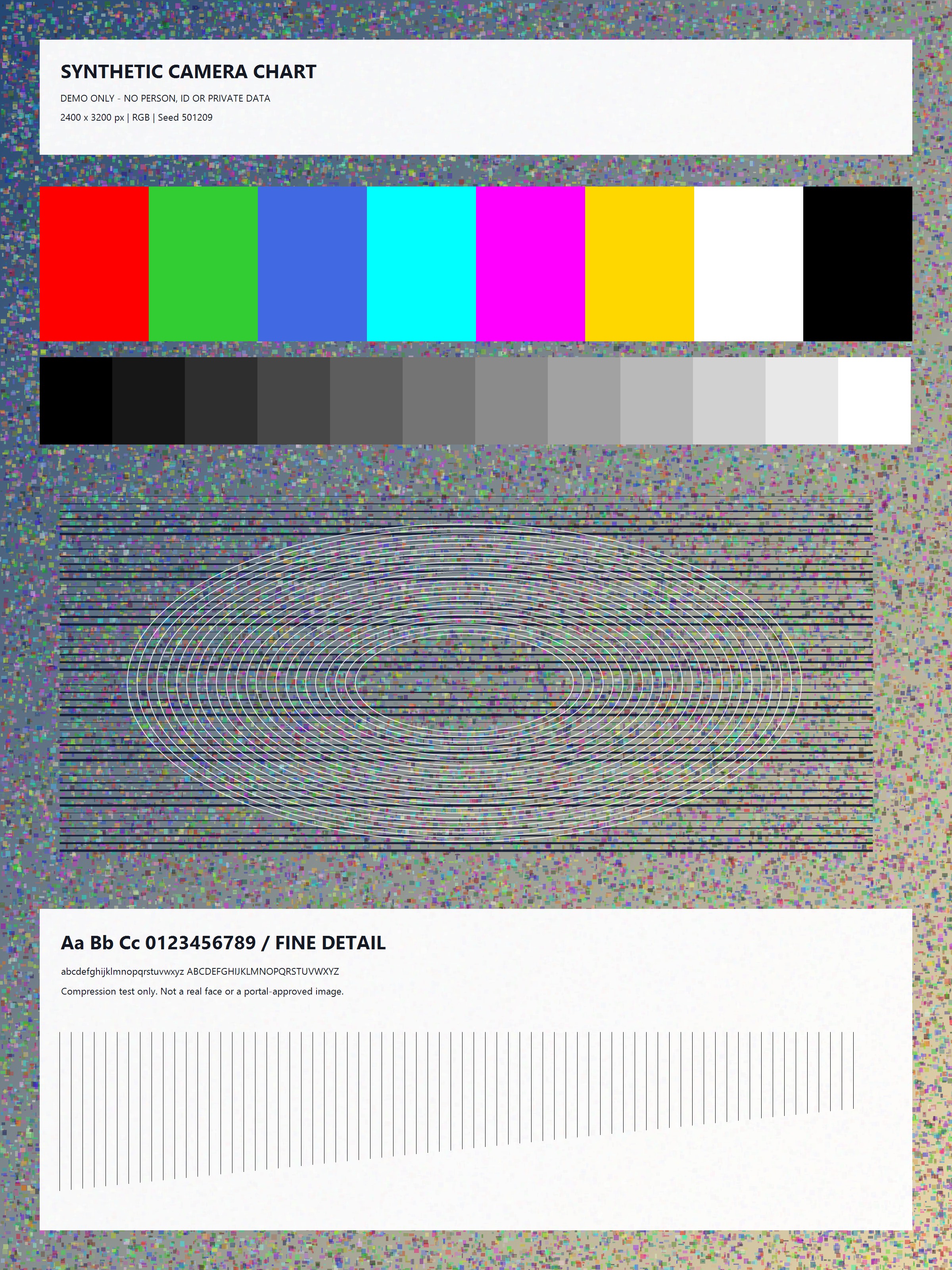

Synthetic photo detail
Open original: 1,905,559 bytes · 2,400 × 3,200 pixels
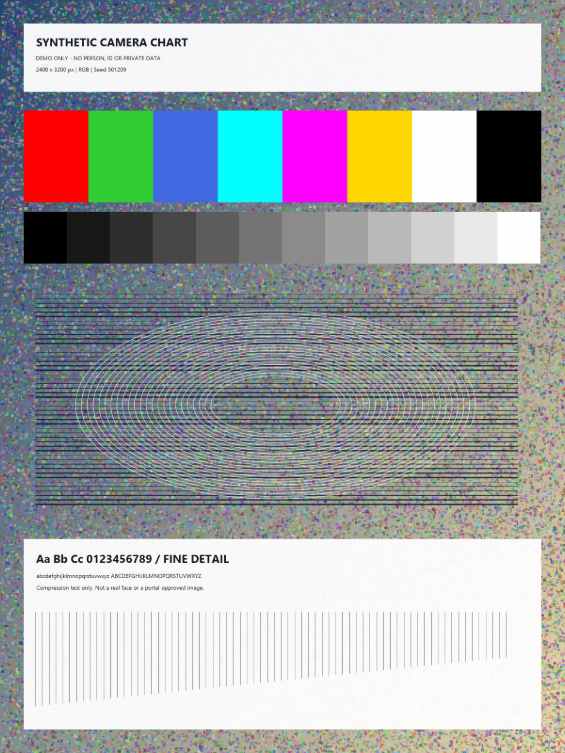
50KB
49,575 bytes · 565 × 753 pixels · JPEG
Download this result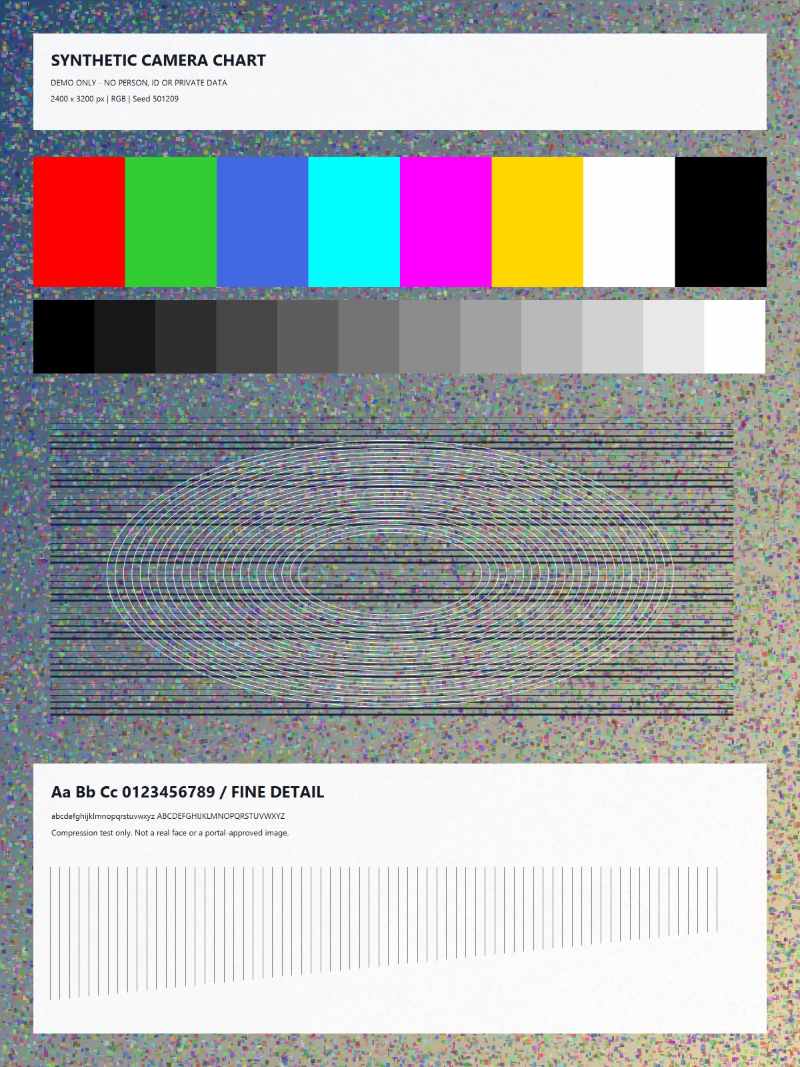
100KB
98,478 bytes · 800 × 1,067 pixels · JPEG
Download this result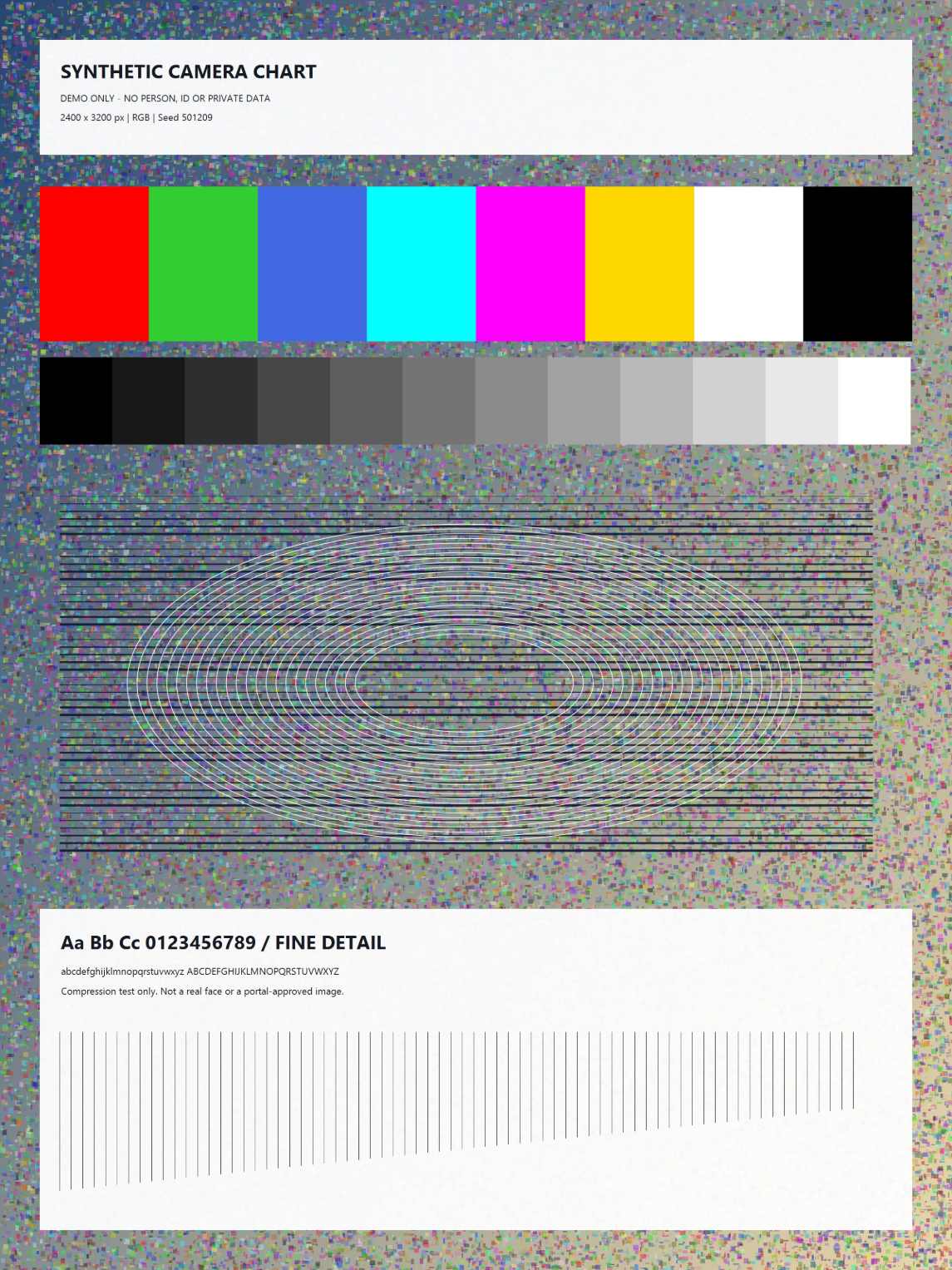
200KB
199,355 bytes · 1,145 × 1,527 pixels · JPEG
Download this result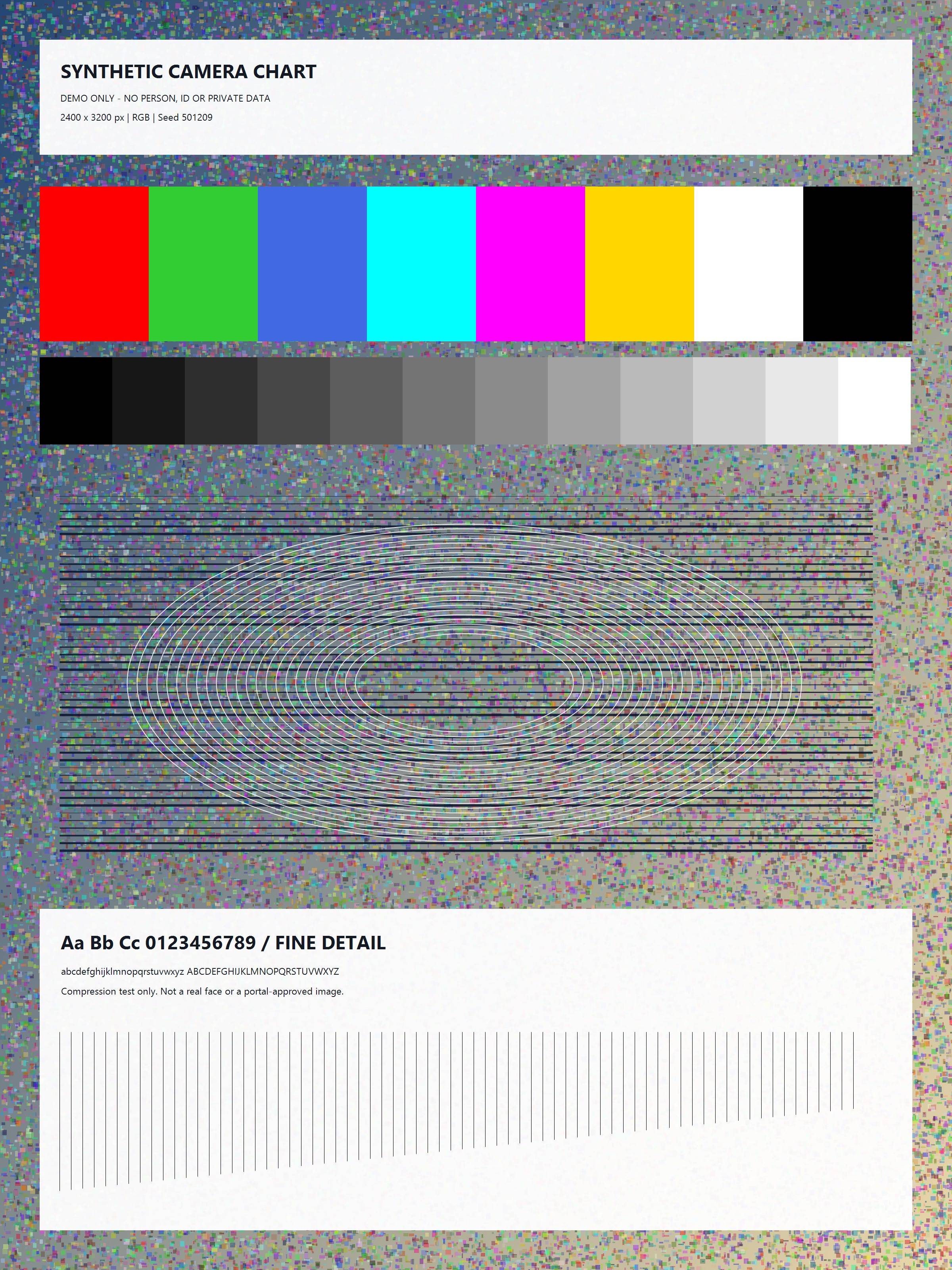
1MB
995,640 bytes · 2,400 × 3,200 pixels · JPEG
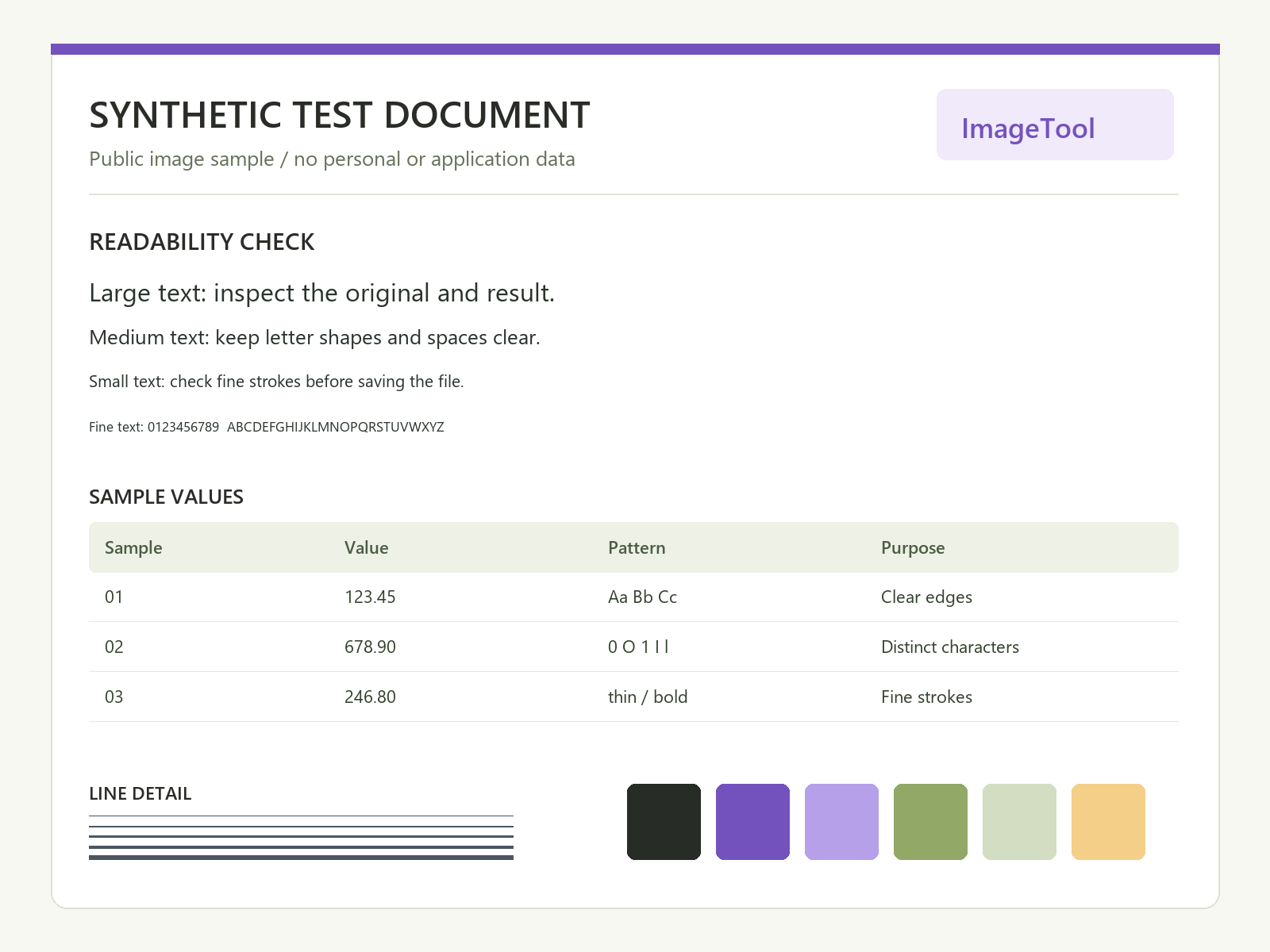
Download this resultSmall text and edges
Open original: 74,718 bytes · 1,600 × 1,200 pixels
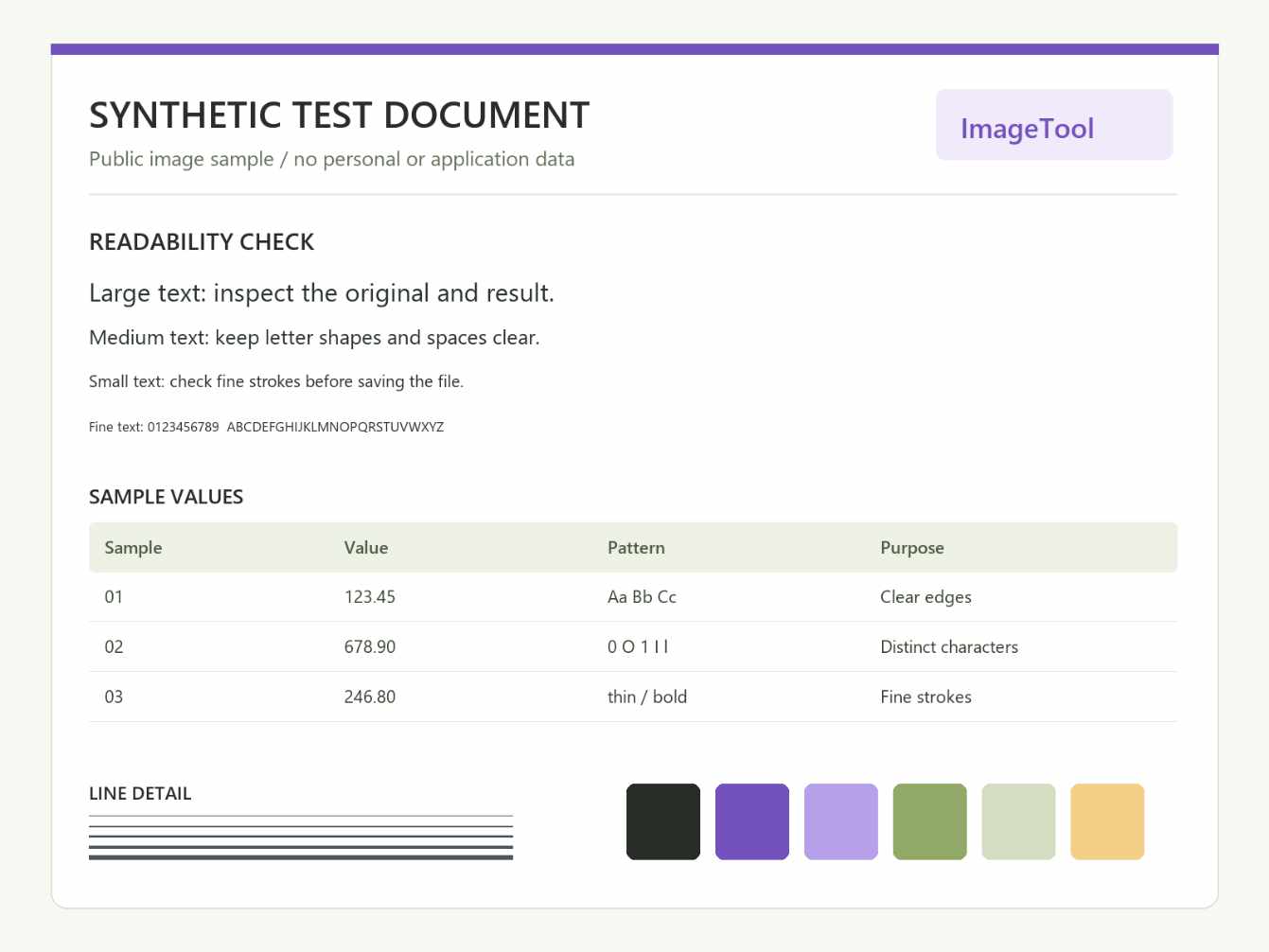
50KB
49,792 bytes · 1,341 × 1,006 pixels · JPEG
Download this result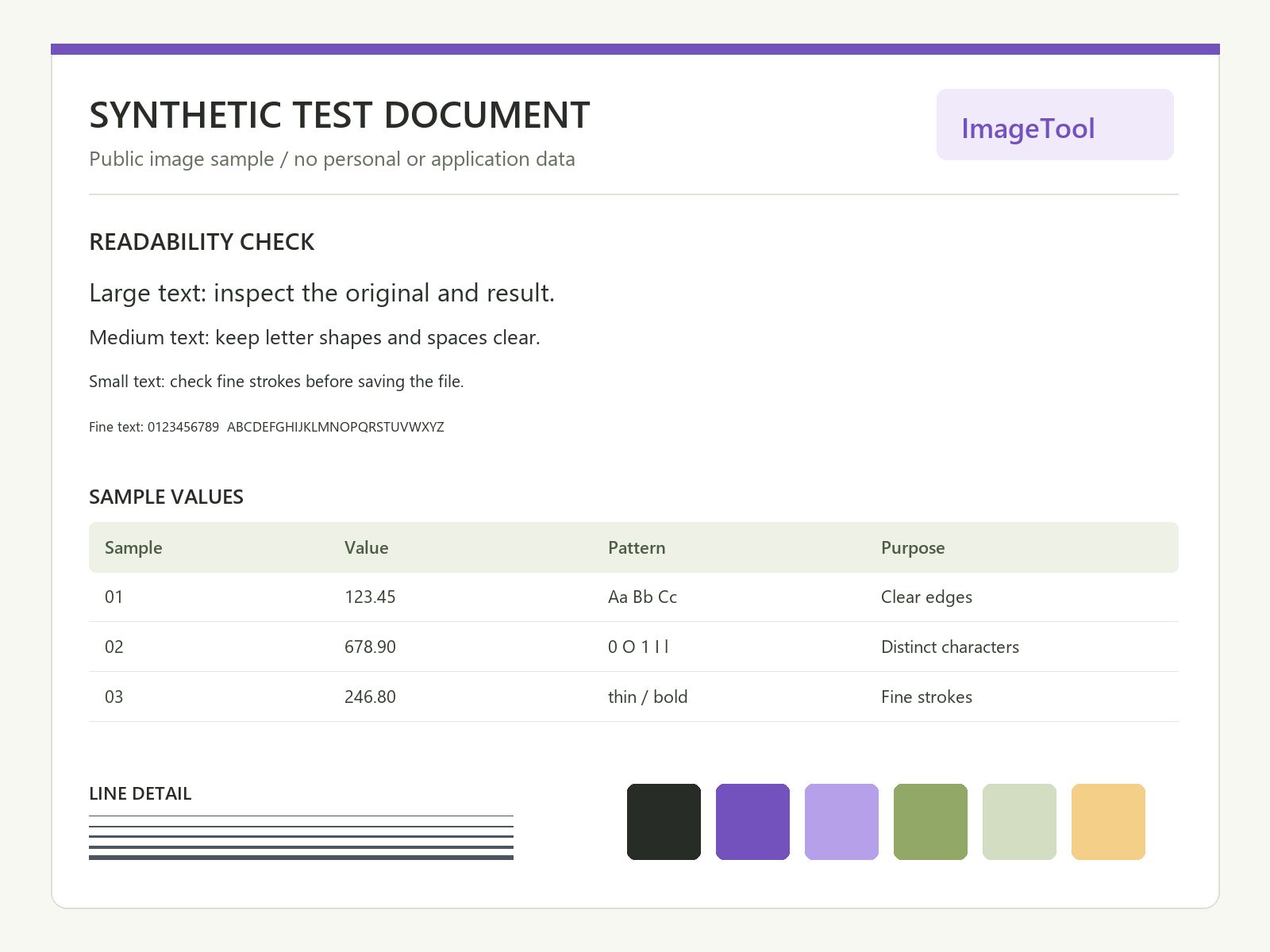
100KB
99,536 bytes · 1,600 × 1,200 pixels · JPEG
Download this result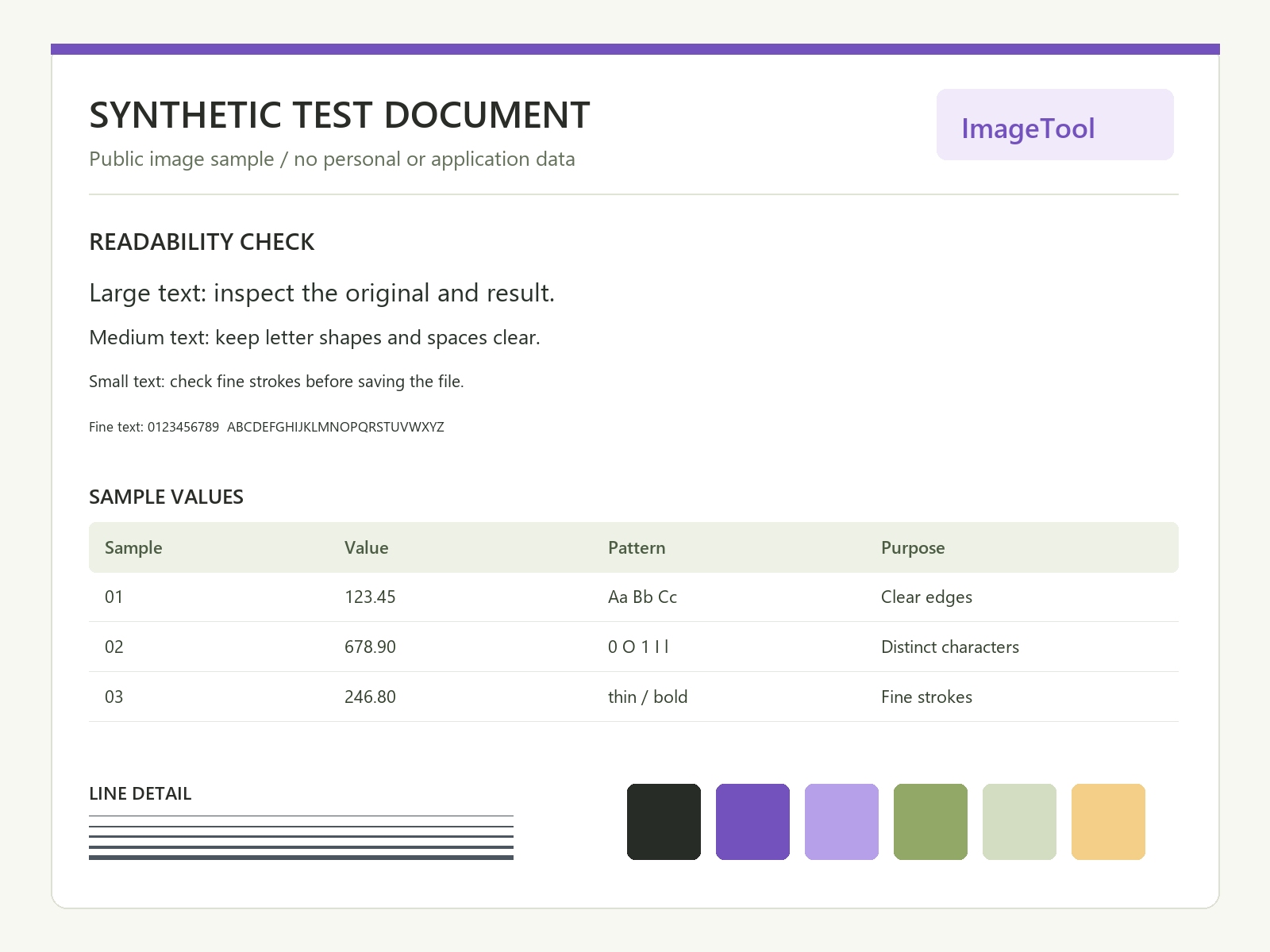
200KB
199,526 bytes · 1,600 × 1,200 pixels · JPEG
Download this result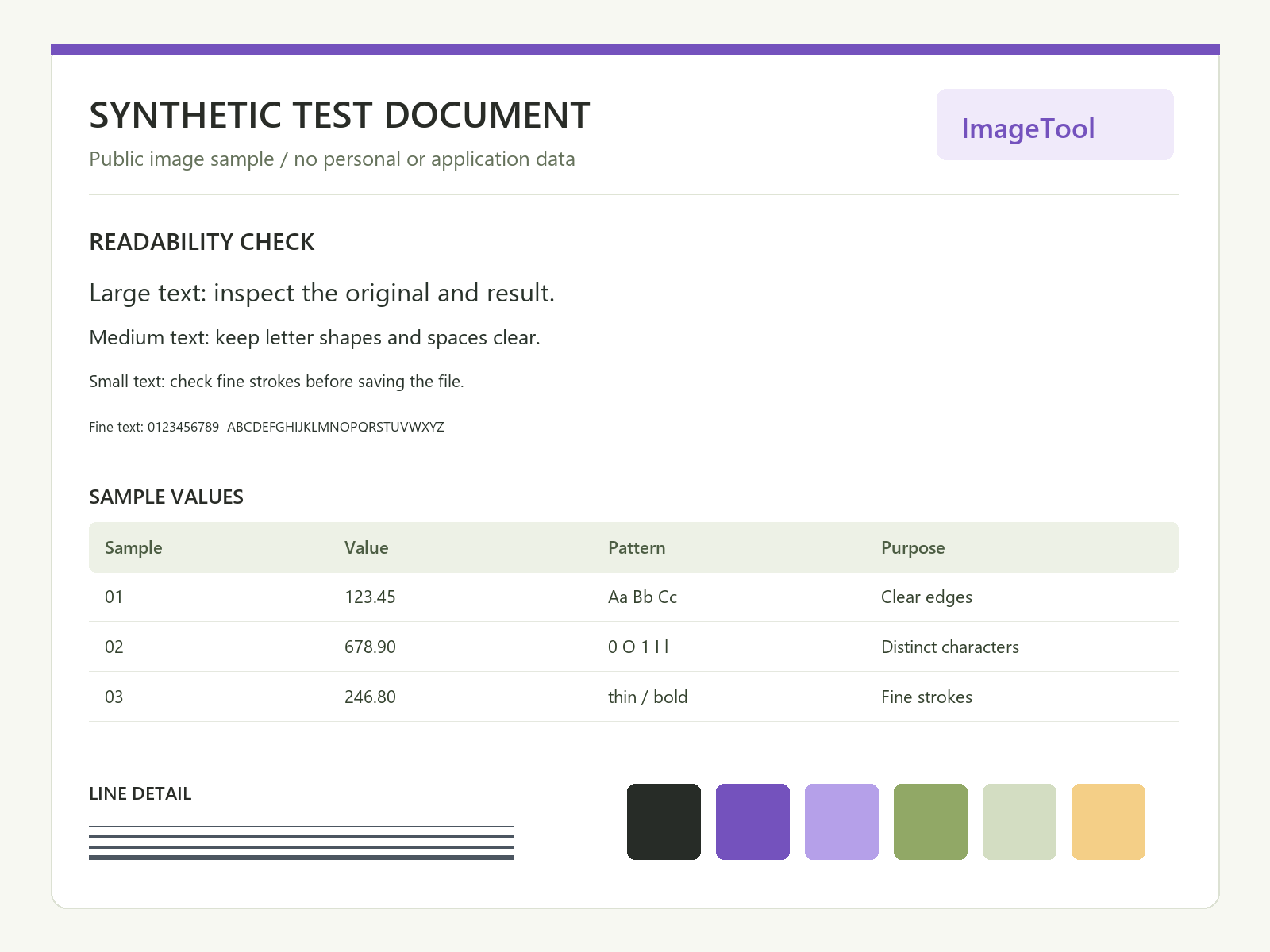
1MB
74,718 bytes · 1,600 × 1,200 pixels · PNG
Original file preserved: no re-encoding or pixel changes.
Download this resultTransparent signature
Open original: 20,040 bytes · 1,200 × 400 pixels

50KB
20,040 bytes · 1,200 × 400 pixels · PNG
Original file preserved: no re-encoding or pixel changes.
Download this result
100KB
20,040 bytes · 1,200 × 400 pixels · PNG
Original file preserved: no re-encoding or pixel changes.
Download this result
200KB
20,040 bytes · 1,200 × 400 pixels · PNG
Original file preserved: no re-encoding or pixel changes.
Download this result
1MB
20,040 bytes · 1,200 × 400 pixels · PNG
Original file preserved: no re-encoding or pixel changes.
Download this resultChoose a practical limit without making a lossless promise
Use the largest allowance your destination actually accepts, and only specify exact pixels when required. Compare the 100KB compressor, 200KB image compressor and 1MB image compressor from the same original. A larger allowance creates options; it does not guarantee a particular visual outcome.
Keep PNG when transparency is needed and allowed. Use JPEG when the destination requires it, checking the white background that replaces transparency. Inspect the important detail before downloading, keep the original and stop if the result makes required information unreadable.
If a fixed pixel size conflicts with the file-size limit, follow the guide to KB limits and fixed pixel dimensions. Its measured cases show a failed attempt and the alternatives you can use only when your destination allows them.